

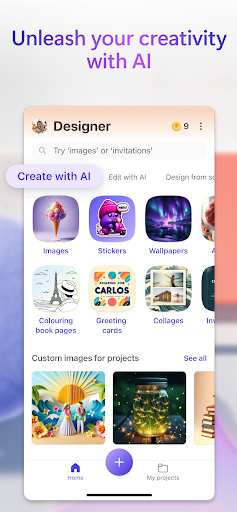
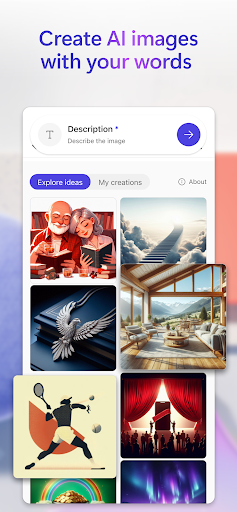

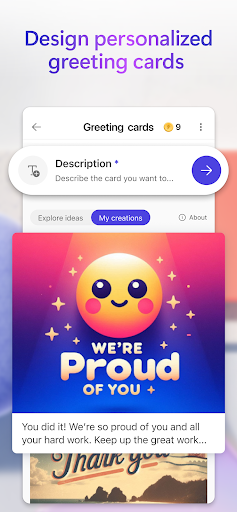
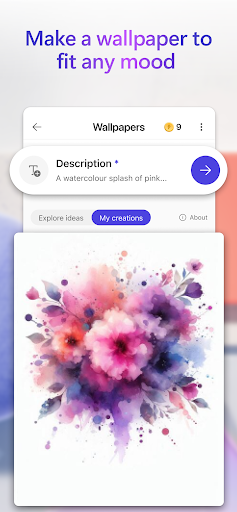
Microsoft Designer is an AI-powered design app that helps users create visual content and edit images. It leverages generative AI to transform text descriptions into unique images, allowing for the creation of various designs such as custom birthday cards, holiday cards, and phone wallpapers. The app also includes AI-driven photo editing capabilities, enabling users to refine their pictures by removing unwanted elements or adjusting focus.
Generative AI for Image Creation
The app’s core functionality includes generating images from text prompts. Users can describe virtually any image they envision, from sci-fi art to surreal scenes or funny images, and the AI will create it. This capability extends to generating custom stickers for use in messaging apps and social media, allowing users to craft unique visual expressions.
AI-Powered Photo Editing
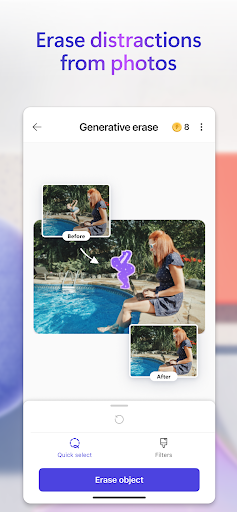
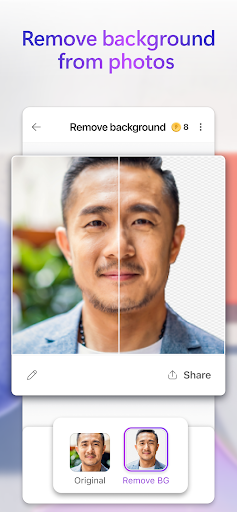
Microsoft Designer offers several tools to enhance and modify existing photos. The Generative erase feature allows users to remove unwanted objects or distractions from an image. For background adjustments, the app provides Remove background to eliminate a background entirely in one step, and Blur background to soften the background and bring the main subject into sharper focus. Additional editing options include adding filters, adjusting brightness, and resizing images to specific dimensions, including square formats or custom sizes.
Creating Personalized Designs
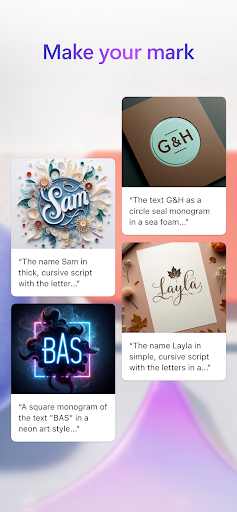
Beyond image and photo manipulation, the app supports the creation of various personalized design items. Users can craft custom wallpapers and backgrounds for their phones, design greeting cards for occasions like birthdays and holidays, and create unique monograms using letters and other elements. It also facilitates the design of invitations for events such as birthdays and weddings, as well as social media posts, icons, emojis, and even custom coloring book pages. These tools are designed to help users visually communicate and personalize their digital and printable content.













Write a review